




AidaForm Online Form Maker

Build Forms That Look Better and Work Smarter
Create classic or conversational forms for registrations, applications, orders, surveys, quizzes, and more. Customize the design, add logic, and automate workflows — no technical skills required.
AidaForm - software ratings and reviews on Capterra
AidaForm is a leader in Survey Software on 2025 Capterra Shortlist
Software Advice Front Runners 2025
GetApp Category Leaders 2025
AidaForm - software ratings and reviews on Capterra

Create forms that adapt to your workflow

One Question at a Time — or All at Once

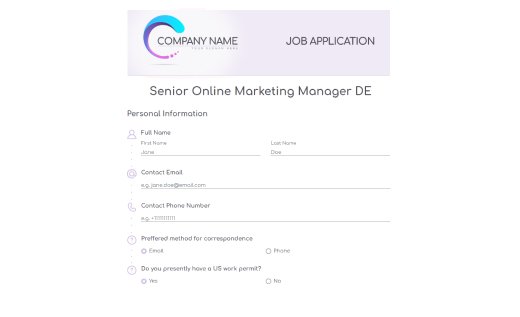
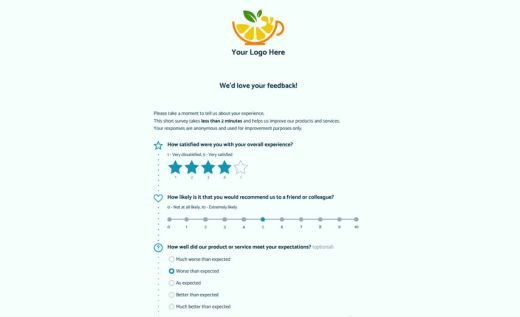
Create conversational forms, traditional layouts, or multi-page flows. Customize the look and structure to match your brand and make forms easy to complete on any device.

Dynamic Branching

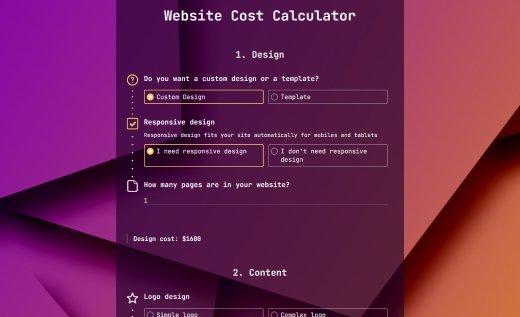
Show or hide fields, guide respondents through different paths, calculate totals, redirect users after submission, and build forms that adapt automatically to every answer.

Flexible Forms Without Limits

Build unlimited forms, customize form links, and add your logo to build branded experiences that look polished and professional — even on the Free plan.

Branded Forms on Your Own Domain

Publish forms on your company’s domain for a more professional experience and stronger brand consistency. A clean branded workflow helps increase trust and conversions.

Video and Audio Responses

Go beyond standard surveys with video questions and audio or video answers. Capture richer feedback, personal stories, and more natural responses from your audience.

Payments and Workflow Automation

Accept payments, calculate totals based on answers, automate follow-ups, and connect your forms with the tools your team already uses.
Use AidaForm for Free

Templates Designed to Look Good and Convert

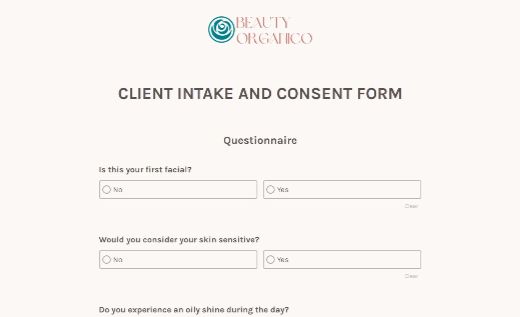
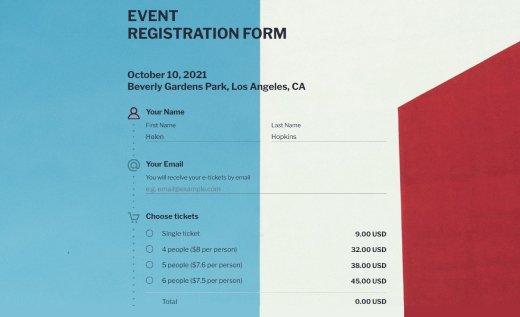
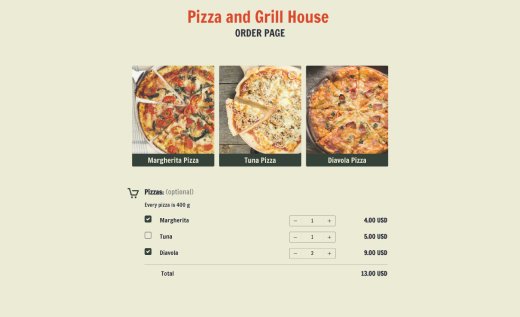
Start with one of 500+ ready-to-use templates and customize it to fit your style, audience, and goals. Every template is mobile-ready, easy to edit, and built for a smooth filling experience.
See More Templates

3 Simple Steps to Create Online Forms

You don’t need coding skills to create polished, modern forms that feel great to fill out. With AidaForm you can create fully customized forms in minutes and focus on your questions and your goals while we handle the technical side.

Create a Custom Form
Step 1

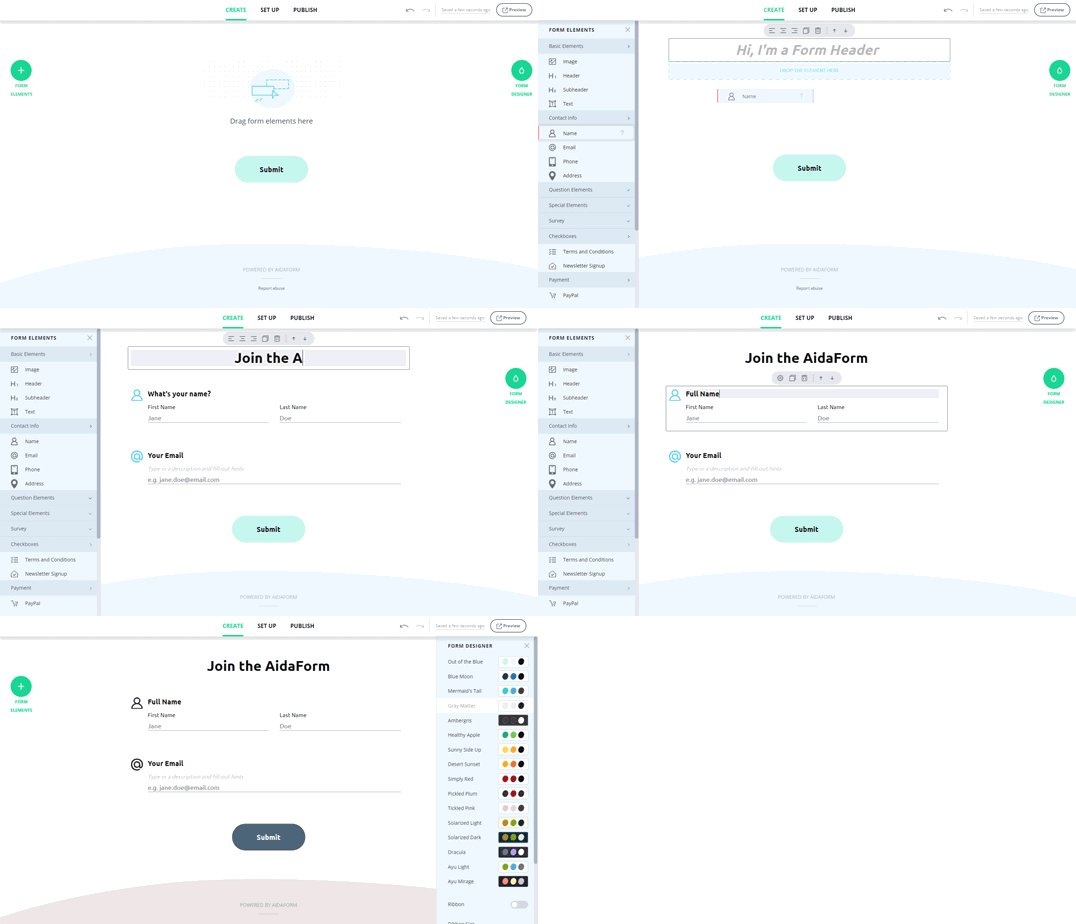
Create Your Form

Start with a blank form or choose one of 500+ professionally designed templates. Add your questions, customize the layout and branding, and create a form experience that matches your audience — all with an intuitive drag-and-drop editor.

Build conversational or traditional forms, adjust colors, fonts, buttons, and images, and make everything feel polished from the start. No coding or complicated setup required.

Publish and Share
Step 2

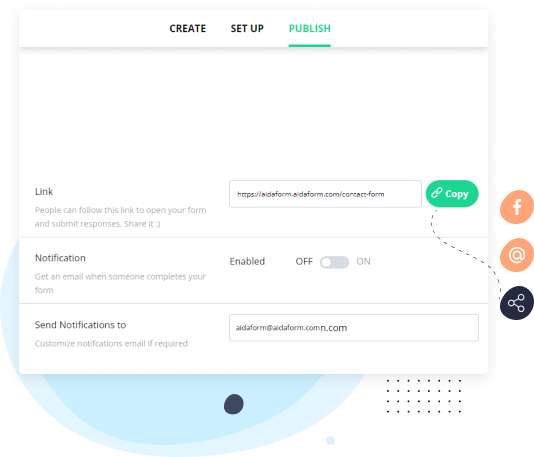
Publish and Share Anywhere

Make your form live in minutes and share it wherever your audience is. Use a custom form link, embed forms directly into your website, or share them by email and social media.

Everything works out of the box — hosting, publishing, and embedding are handled for you, so there’s no technical setup to worry about.

Gather and Analyze Responses
Step 3

Organize and Automate Responses

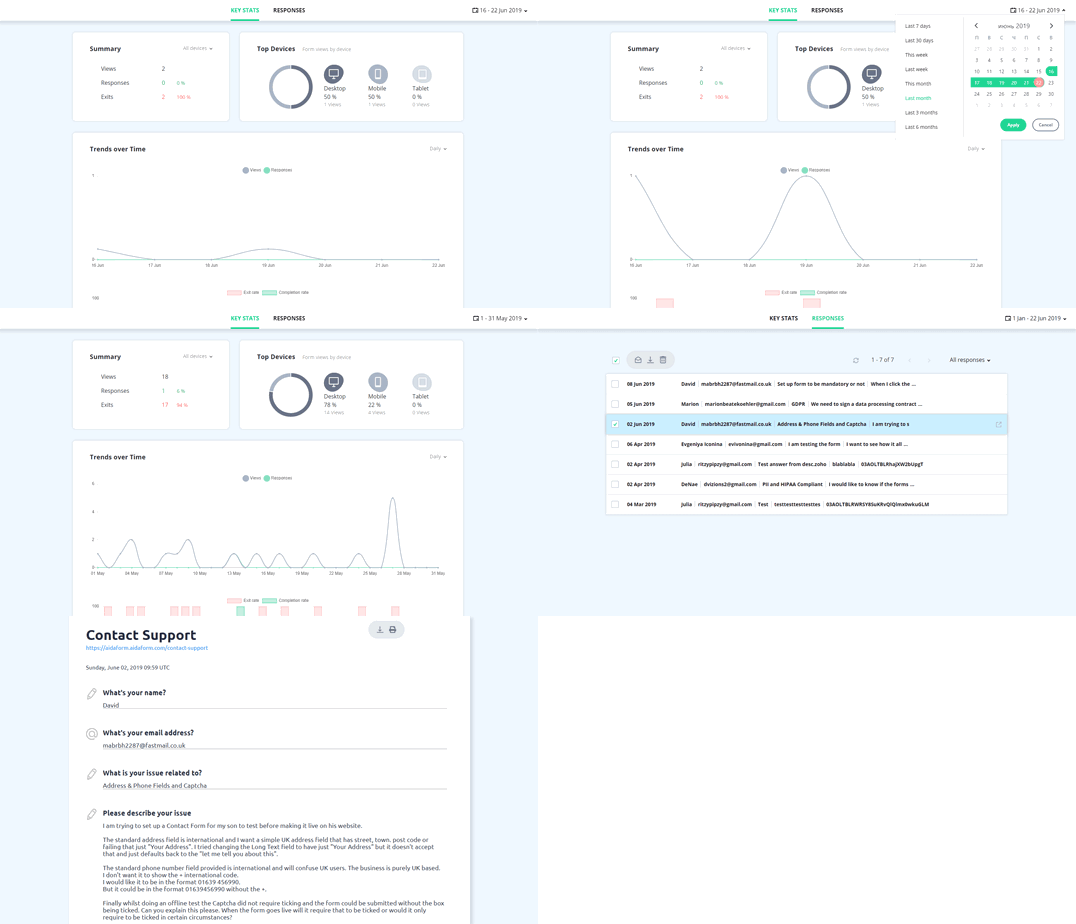
Receive instant email notifications, view submissions in one place, and track responses as they arrive. Export data to Excel or Google Sheets, connect your favorite tools and CRMs, and automate follow-ups without complicated setup.

Keep Work Moving Automatically

Collect information, approvals, files, payments, and signatures in one place. Automate routine steps, connect your favorite tools, and keep your processes organized without extra admin work.

  • Secure Forms and Data Collection

    Protect submissions with encrypted transfers, secure storage, CAPTCHA protection, and GDPR-friendly consent fields that help keep your data compliant and trustworthy.
  • E-Signatures and PDF Documents

    Collect signatures online for consent forms, approvals, registrations, and agreements, then download completed documents as convenient PDFs.
  • Seamless File Collection

    Receive resumes, screenshots, presentations, images, and other files directly through your forms — ideal for applications, support requests, and client submissions.
  • Integrations That Save Time

    Automatically send responses to Google Sheets, accept payments through Stripe or PayPal, and connect your forms with thousands of tools using Zapier.
  • Real-Time Reports and Insights

    Track submissions as they arrive, spot trends quickly, and use built-in analytics tools to better understand responses and make informed decisions.
  • Automation Without Complexity

    Reduce repetitive manual work with automatic emails, redirects, calculations, conditional flows, and workflows that adapt to each response.
Trusted and loved by small startups and larger companies
ABUS
Aruba Airport
Ball State University
CDC
DeSoto Memorial Hospital
Finborough School
Lidl
Michigan State University
NSI
Octagon
Oklahoma City Zoo
One Challenge
Shepherds College
Stanford University
UEFA
Zapier

What Our Users Say

Easy To Use. Simple to Integrate”

Overall: It took me about 5 minutes to create my first form and embed it into my website. I’ve used several form software including Typeform , Paperform, and Zoho Forms and AidaForm is extremely competitive and much more affordable.

Very simple to create a custom form from scratch or use one of the pre-built templates. Perfect affordable solution.

Wendy B. High-Integrity Sales Closer, Marketing and Advertising

I am satisfied with the product. After a long search, it turned out to be what I needed.”

I created a perfect form to apply for a job at our Agency. Construction was easy, fast, with a rich set of tools in the free version. Wide selection of themes, options, graphics, colors …. Easy to implant on our site.

Quick and easy customer access when clicking, open on the form, fill in and send. Quick feedback to us - both in the profile and in our e-mail. Ideal layout of the form in PDF format when sending to us.

Katya B. Crew agent, Maritime

AidaForm is an Easy, Affordable Solution for Collecting Valuable Data”

In the short time I’ve used AidaForm, I’ve been able to replace my contact form on multiple websites with a nicer, cleaner form that is more reliable than using Contact Form 7 (for some reason about 1/4 contact requests just never seem to come through on CF7, and no one I’ve talked with seems to know why).

I’ve also built a quick customer satisfaction survey and sent it to my list that has provided valuable feedback, so it’s proving handy in multiple scenarios.

Drew H. Website Development & Marketing Manager, Computer Networking

One of the best Conversational Surveys”

What I like most is that you can set your survey to mimic a conversation. The viewer will have a much more pleasant experience when they complete your survey if it’s like a real conversation. One question at a time, less distractions, with possible logic jumps.

As a design business, I need forms that look nice and have a great UX, the customizability with Google Forms are very limited, and there is no possibility to make the forms conversational.

Arpad S. Brand Designer | UI, UX & Visual Designer, Self-employed

Best alternative to JotForm anywhere….”

It’s intuitive format for easy form creation and setup are key, but the biggest factor that tops all features is the incredible and fast response times from support when an issue or concern arises. AidaForm is sophisticated enough for a seasoned form creator and simple enough for a beginner. It’s clean and intuitive interface and affordability factors make put it at the top of the charts for form creation tools.

It’s a perfect alternative to JotForm in that it is both more affordable and easier to use. I use AidaForm for business card ordering for my own business, but also use it for simple lead generation forms on my client websites. AidaForm is simple to get started and can have a form created and implemented on your website within minutes. And it’s easy to send clients links to the form even if not on your website.

Randy B, Creative Solutions Director, Small-Business Owner

We use AidaForm weekly and love it.”

We like everything about it. It is simple to use and looks great. It’s simple to embed and easy to find all of the functions, everything is in one place.

We use it both for our students and for internal information gathering. It’s so much easier on the eyes than Google Forms and overall ‘feels’ better.

Sunny W. Education Management

Great product for collecting data about your customers”

It’s a great tool for collecting feedback and conducting interviews. Taking into consideration the price - it’s the best decision on the market.

The most beautiful features of this product are:

  • Nicely looking view (it is far ahead of standard google forms).
  • Great statistic capabilities (you can check devices people uses to answer your forms and time when they did this).
  • Adding captcha for verification.
  • Possibility to integrate with 3rd party services.
Ivan B. Product Manager, Computer Software

Best form application on the market”

I spent days finding And testing the perfect form at a low cost and this is the only one that meets all my requirements and looks nice too.

It’s easy to use and has everything you could need in a form. Plenty of customization but not too much that someone could make it ugly or nonFunctional.

Teresa J. Graphic Designer

What all form platforms aspire to be…”

AidaForm is just flat out gorgeous. Usually with form platforms you sacrifice UI for powerful tools, but AidaForm is an exception. You get powerful tools AND a great looking platform.

The ability to conduct tests and quizzes are a huge plus for my use case, but every other block is super useful as well. The configurations and use cases are endless. The devs are quick to implement feedback as well. When the request of removing the ‘Back’ button was suggested for quizzes, they were quick to launch it in their next update.

Matthew J. Marketing and Advertising, Self-employed

Best way to completely systematize your business”

I’ve found there are so many benefits of using a third party software than trying to program one into your website or relying on a wordpress plugin to get you that information (too many plugins fail and your web design can’t always be trusted to fix every database issue…

Sean D.Chief Wonk, Marketing and Advertising, Self-employed